What Should I Do If My Credit Card Gets Stolen in Singapore?
Updated: 6 Aug 2026
Let's hope this never happens to you. But in case it does, here are 6 things you should do immediately after your credit card gets stolen in Singapore.

Written bySingSaver Team
Team
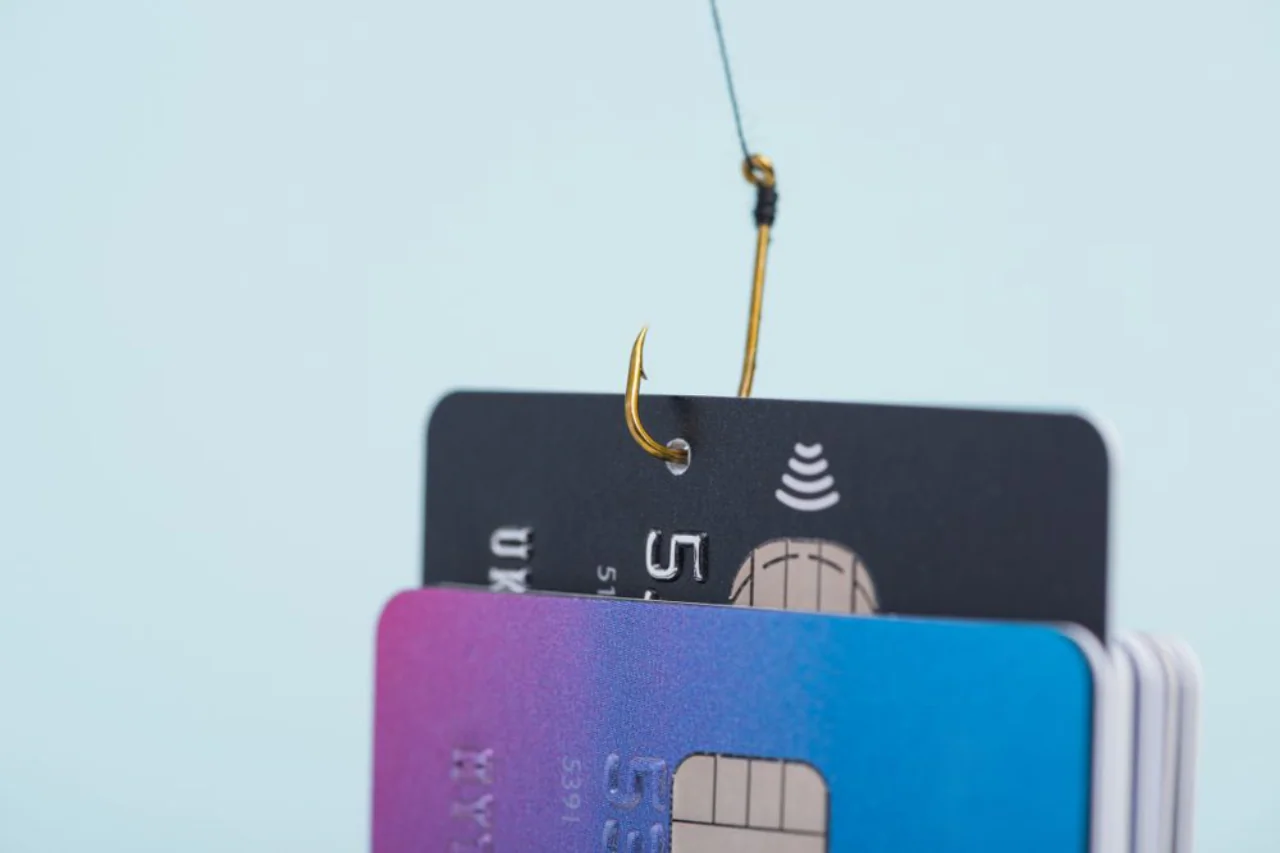
Losing a credit card — or realising it's been stolen — is stressful, but Singapore's consumer protections mean you're rarely on the hook for much. Here's exactly what to do if you lost your credit card, how to limit your liability, and how to find it fast if there's a chance it's simply misplaced.
Decision Guide
Step-by-step Guide
Step 1: Freeze or block your card immediately
Your first move should be to freeze your card — and today, this usually doesn't require a phone call at all. Most major Singapore banks let you instantly block a card through their mobile app:
- DBS/POSB: Open digibank mobile → More → Manage Cards & Loans → Replace/Block Card → select "My Card is Lost."
- OCBC: Use the OCBC Digital app's "kill switch" feature, available under Safety and Security settings, or call 6363 3333 and press 8.
- UOB, Citibank, Standard Chartered, HSBC: Each offers similar in-app card-freezing via UOB TMRW, Citi Mobile, SC Mobile, and the HSBC Singapore app respectively.
If you can't access the app, call your bank's 24-hour hotline right away:
| Bank | 24-Hour Hotline |
|---|---|
| DBS/POSB | 1800 339 6963 (or +65 6339 6963 from overseas) |
| OCBC | 1800 363 3333 |
| UOB | 1800 222 2121 |
| Citibank | 1800 248 2482 (or +65 6225 5225 from overseas) |
| Standard Chartered | +65 6747 7000 |
| HSBC | 1800 472 2669 |
| Maybank | 1800 629 2265 |
This step matters even if you've simply misplaced the card rather than had it stolen — reactivating a card later is straightforward, and leaving a "lost" card active gives anyone who finds it a window to use it. Banks generally require you to report a loss within a reasonable time, or you risk being held liable for unauthorised charges made before the report.
How to find a lost credit card before you cancel it
If you're not yet sure whether your card is lost or stolen, a quick systematic check can save you the hassle of a cancellation and replacement:
- Retrace your last few transactions — check where you last used the card (retail counter, ATM, restaurant) and call that location if it's recent.
- Check your wallet, bags, and pockets thoroughly — cards often slip into linings or between other cards.
- Look at your banking app for the most recent transaction location and time — this narrows down where you likely last had it.
- Check with venues you visited that day — many retailers and F&B outlets hold onto found cards for a short period before handing them to lost-and-found or the police.
- If you still can't locate it within a short window, freeze it — the small inconvenience of unfreezing a found card is far lower than the risk of leaving a lost one active.
Step 2: Make a police report and get a copy
This step is crucial — your bank will need proof that a crime occurred and that you're not attempting to avoid legitimate charges.
When filing your police report, be sure to obtain:
- The name of the investigating officer(s)
- A copy of the written police report
- A direct line to the investigating officer(s) if possible — especially useful if the card was stolen overseas, where police administration processes can be slower or less centralised.
Note that simply calling the police to inform them isn't sufficient — you need the written report itself as documentation for your bank.
Step 3: Inform your insurance provider, if relevant
If you hold travel insurance and the card was lost or stolen overseas, contact your insurer promptly — most policies covering personal belongings or card fraud will require specific documentation to process a claim.
If no unauthorised charges have been made against your card, you can typically wait about a week before requesting a replacement card. If unauthorised charges have occurred, proceed to the following steps.
Step 4: Call the bank again to raise a formal dispute
If there are unauthorised charges, call your bank and explicitly state that you're raising a dispute. Note down the name of the representative you speak with and the date of the call.
Your bank will typically mail you a dispute form to complete, or ask you to visit a branch — visiting in person is often the better option, since a branch staff member can walk you through the form and flag anything you might miss.
Be sure to reference your police report and attach a copy to your dispute claim, along with any documentation from your insurer if applicable. Keep a copy of the completed dispute form for your own records before submitting it.
Step 5: Review your transaction history for unauthorised charges
Go through your transaction history and note where the unauthorised charges occurred — this can help investigators and may also reveal patterns, such as recurring subscriptions to services you never signed up for. Some fraudulent transactions are disguised as legitimate-looking subscriptions (streaming services, dating platforms, etc.), so look closely at unfamiliar merchant names.
If any of these resemble services you did sign up for unknowingly (e.g. after a phishing link), you may be considered liable for those specific charges — but identifying them at least lets you clean up any compromised accounts or malware causing a repeat incident.
Step 6: Understand your liability
Under the ABS Code of Practice for Banks – Credit Cards, your maximum liability for unauthorised transactions made with a lost or stolen card is capped at $100 — provided you:
- Did not act fraudulently or with gross negligence, and
- Reported the loss to your bank as soon as reasonably practicable after becoming aware of it.
One important exception: this $100 cap does not apply if you unwittingly approved a fraudulent transaction through 3D Secure (3DS) authentication — for instance, if you received an OTP or approval prompt and confirmed it without realising it was fraudulent. MAS has clarified that this is treated as negligence, since 3DS requires your active authentication rather than just static card details.
If your bank disputes your $100 cap eligibility — for example, by arguing the incident should be classified differently, or that you were negligent — you can seek independent advice from consumer bodies like CASE or a law firm to understand your position. In practice, most banks prefer to honour the $100 cap and resolve the matter quickly rather than risk reputational fallout from a drawn-out dispute.
Before You Compare
App-based card freezing
Check if your bank lets you instantly block a card without calling in.
Virtual card numbers
To isolate online transactions from your physical card number.
Purchase protection coverage
Some cards offer complimentary protection against unauthorised or fraudulent purchases.
24-hour hotline availability
Confirm your bank's hotline operates round the clock, including from overseas.
Card replacement turnaround
Check how quickly a replacement can be issued or expedited.
Card | Hot Reward Pick | SingSaver Reward | ||||
|---|---|---|---|---|---|---|
 | UOB Lady's Card | S$400 Cash via PayNow | S$599 | 0.4 - 10 | - | |
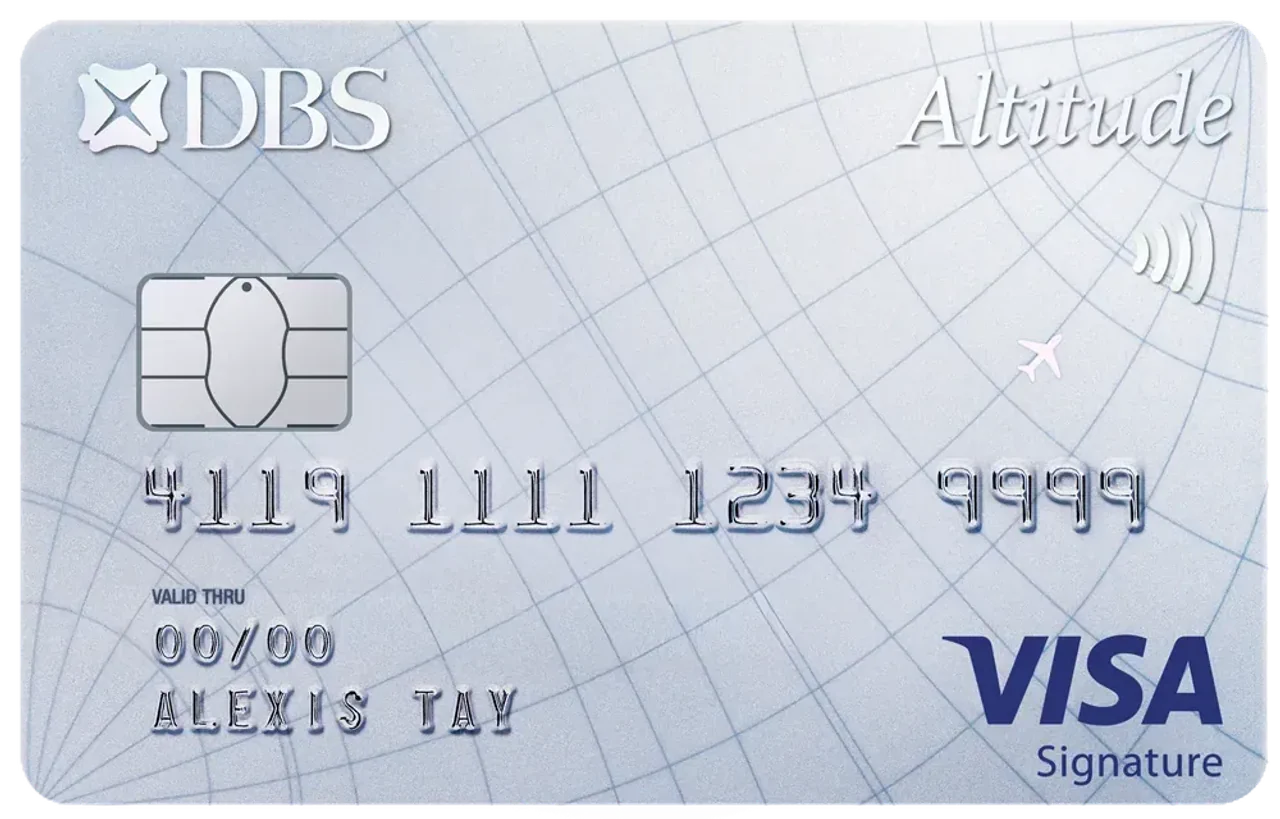 | DBS Altitude Visa Signature Card | S$879 | 1.3 - 2.2 | - | ||
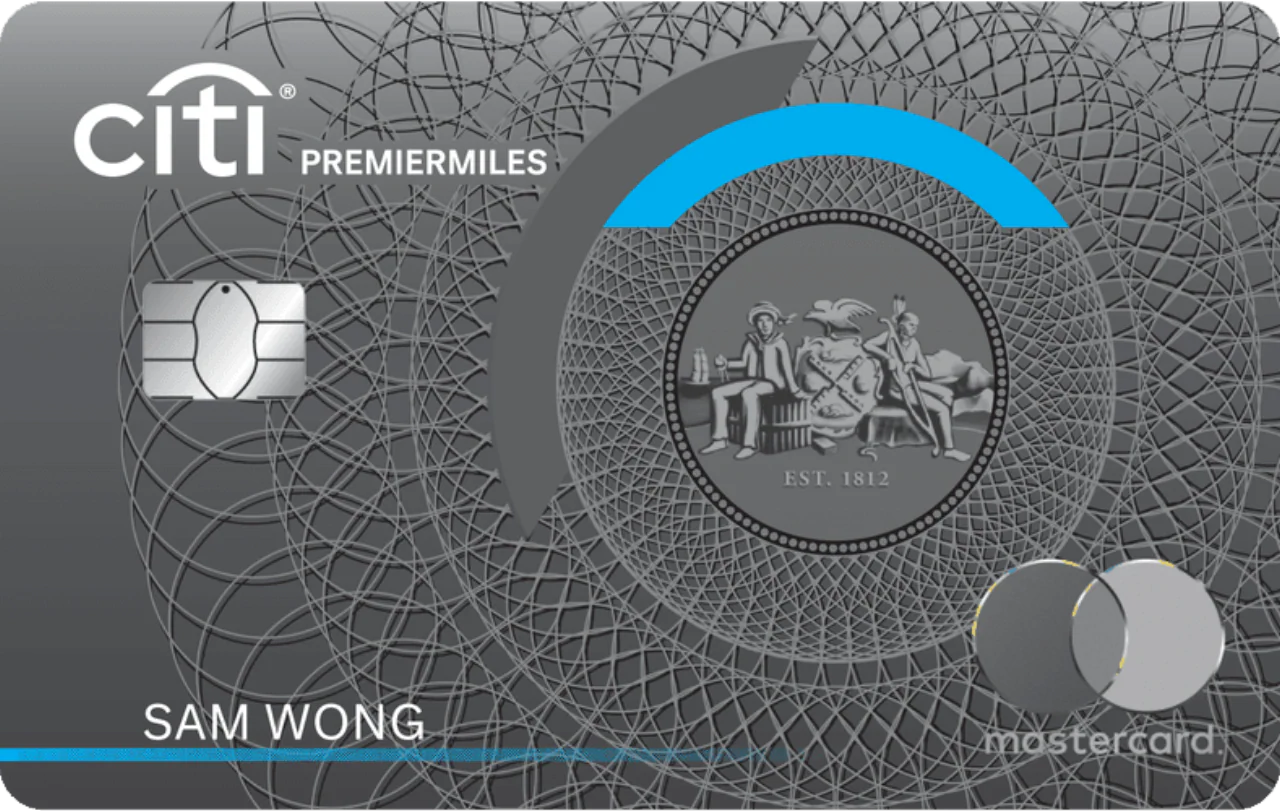 | Citi PremierMiles Card | S$3,299 | 1.2 - 10 | - | ||
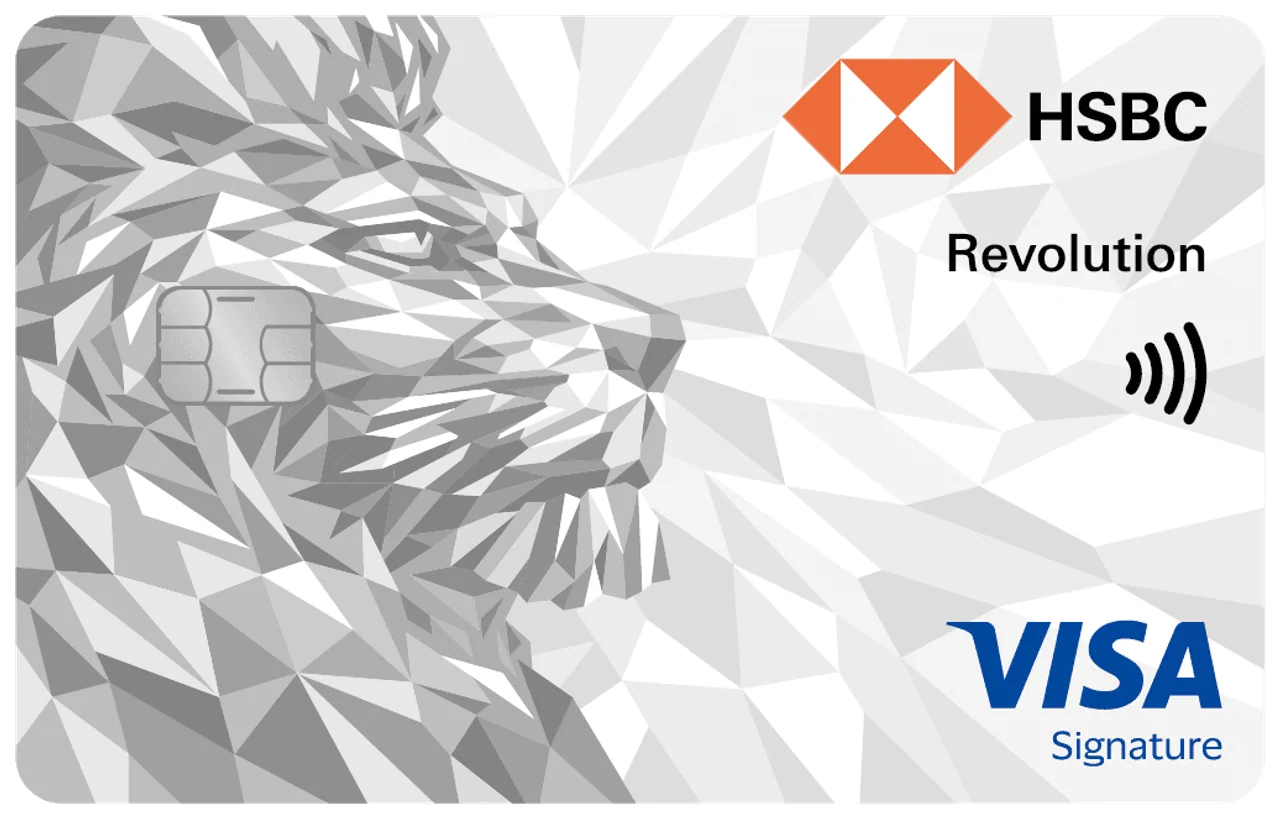 | HSBC Revolution Credit Card | - | - | 0.4 - 4 | - | |
 | Citi Rewards Card | S$3,299 | 1 - 10 | - | ||
 | DBS Live Fresh Card | - | - | 0.3 - 9.25 % | - |
FAQs
What happens if I lost my credit card in Singapore?
Your card should be reported and blocked as soon as possible — either instantly via your bank's app or by calling their 24-hour hotline. Provided you report it promptly and haven't acted negligently, your liability for any unauthorised transactions made before the report is capped at $100 under the ABS Code of Practice.
What should I do if I lost my credit card overseas?
Call your bank's international hotline immediately to block the card (numbers are usually listed on the back of your card or your bank's website), file a police report locally if theft is involved, and contact your travel insurer if you hold a policy that covers this.
How do I find a lost credit card before cancelling it?
Retrace your last transactions, check your bank app for the most recent transaction location, and follow up with venues you visited. If you can't locate it within a short window, freeze it rather than risk leaving it active.
Am I liable for fraudulent charges if my card is stolen?
Generally no, beyond a $100 cap — provided you report the loss promptly and didn't act fraudulently or with gross negligence. This protection does not apply if you unwittingly approved a fraudulent transaction via 3D Secure authentication.
🏦 Singapore Banks with Easy In-App Card Freeze Processes
In a high-stress situation, searching for a hotline phone number can cost valuable minutes. Modern banking apps in Singapore feature built-in temporary card freeze (or lock) functions. Freezing your card blocks all new transactions immediately, giving you time to investigate without permanently canceling the card right away.
Here is how to quickly freeze your credit card across major Singapore banks:
1. DBS / POSB (digibank App)
-
Feature: Temporary Card Lock / Block Card
-
How to Freeze:
-
Log in to DBS digibank mobile.
-
Tap More on the bottom navigation menu.
-
Under Manage Cards & Loans, select Lock/Unlock Card or Replace/Block Card.
-
Toggle the switch to Lock your card instantly.
-
2. OCBC Bank (OCBC Digital App & Kill Switch)
-
Feature: Temporary Card Lock & Emergency Kill Switch
-
How to Freeze:
-
Log in to OCBC Digital app.
-
Go to Cards $\rightarrow$ select the specific credit card.
-
Tap Card Details / Settings and toggle Lock Card.
-
Emergency Alternative: Under Safety and Security, tap Activate Kill Switch to instantly freeze all cards and digital banking access if you suspect a major scam or identity theft.
-
3. UOB (UOB TMRW App)
-
Feature: Lock / Unlock Card
-
How to Freeze:
-
Open the UOB TMRW app and log in.
-
Tap Services or navigate to Cards.
-
Select the affected card and tap Lock Card.
-
Confirm the prompt to temporarily block all transactions.
-
4. Citibank Singapore (Citi Mobile App)
-
Feature: Citi Card Lock
-
How to Freeze:
-
Log in to the Citi Mobile App.
-
Tap on the relevant Credit Card tile.
-
Go to Manage (top right) $\rightarrow$ select Lock / Unlock Card.
-
Toggle to Locked.
-
5. Standard Chartered Bank (SC Mobile App)
-
Feature: Card Lock
-
How to Freeze:
-
Open the SC Mobile App.
-
Tap the menu and select Manage Cards.
-
Choose your credit card and select Lock Card.
-
6. HSBC Singapore (HSBC Singapore App)
-
Feature: Block / Unblock Card
-
How to Freeze:
-
Log in to the HSBC Singapore App.
-
Tap Cards and swipe to your credit card.
-
Tap Manage Card $\rightarrow$ select Block / Unblock Card.
-
7. Trust Bank (Trust App)
-
Feature: Lock Card
-
How to Freeze:
-
Log in to the Trust App.
-
Select the Credit Card tab on the home screen.
-
Tap Manage $\rightarrow$ toggle Lock Card.
-
Disclaimer: The information on this page is for general educational and informational purposes only and should not be considered financial or investment advice.
About the author

SingSaver Team
At SingSaver, we make personal finance accessible with easy to understand personal finance reads, tools and money hacks that simplify all of life’s financial decisions for you.
The information on this page is for educational and informational purposes only and should not be considered financial or investment advice. While we review and compare financial products to help you find the best options, we do not provide personalised recommendations or investment advisory services. Always do your own research or consult a licensed financial professional before making any financial decisions.